ResourcesVideo 03

AI Image Generation in ComfyUI: The Complete Guide

The workflows, prompts and model links from the video.

12 workflows and the example pictures, ZIP, 11.2 MB

Workflows

Tested on ComfyUI 0.39.2. Use your own pictures, or the example pictures from the video (11.2 MB).

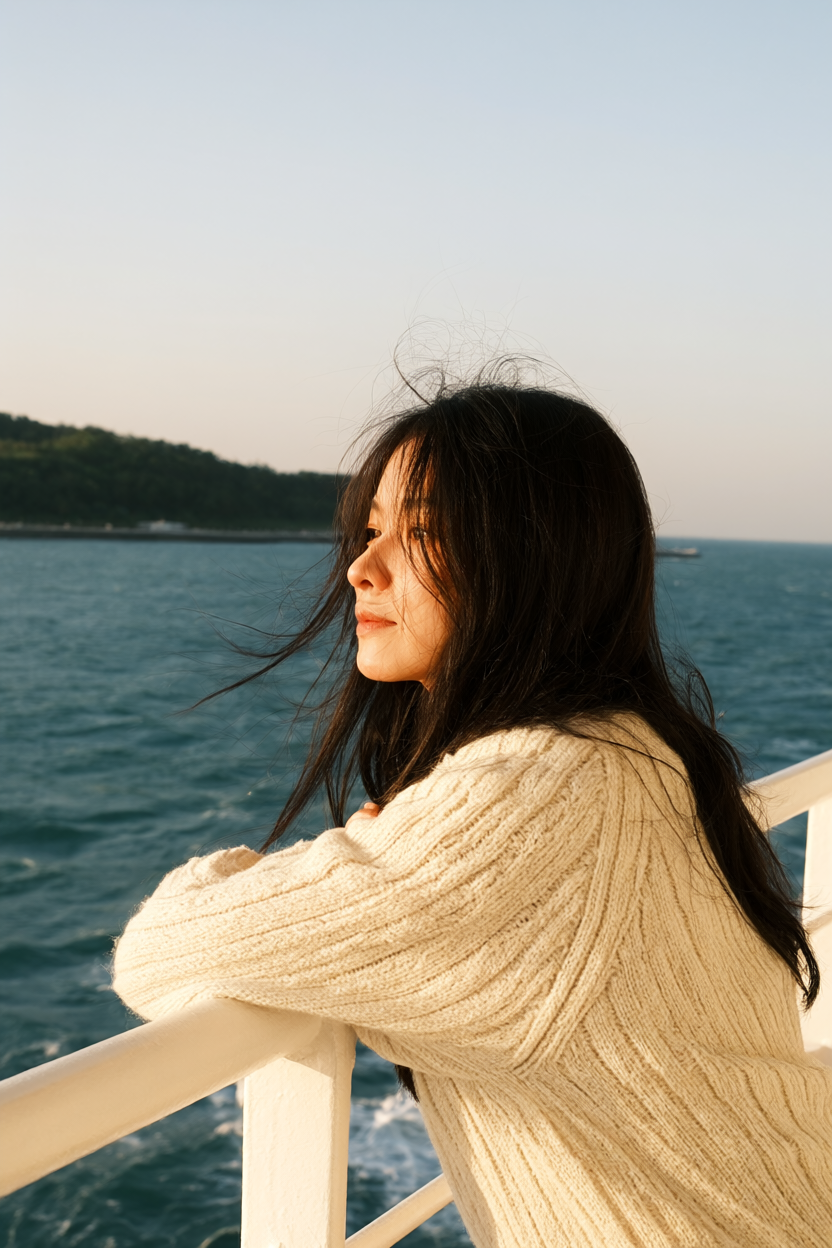
A film-style portrait of a young woman with short black hair on a ferry deck.

01

Text to image

A prompt in, a picture out.

Prompt

A vertical 35mm film portrait of a young woman with short black hair in a cream knit sweater on a ferry deck, wind in her hair, grey-blue sea behind her. Soft overcast light, muted film colours, natural skin.

  • PictureNone, just the prompt
Download JSON for Text to image
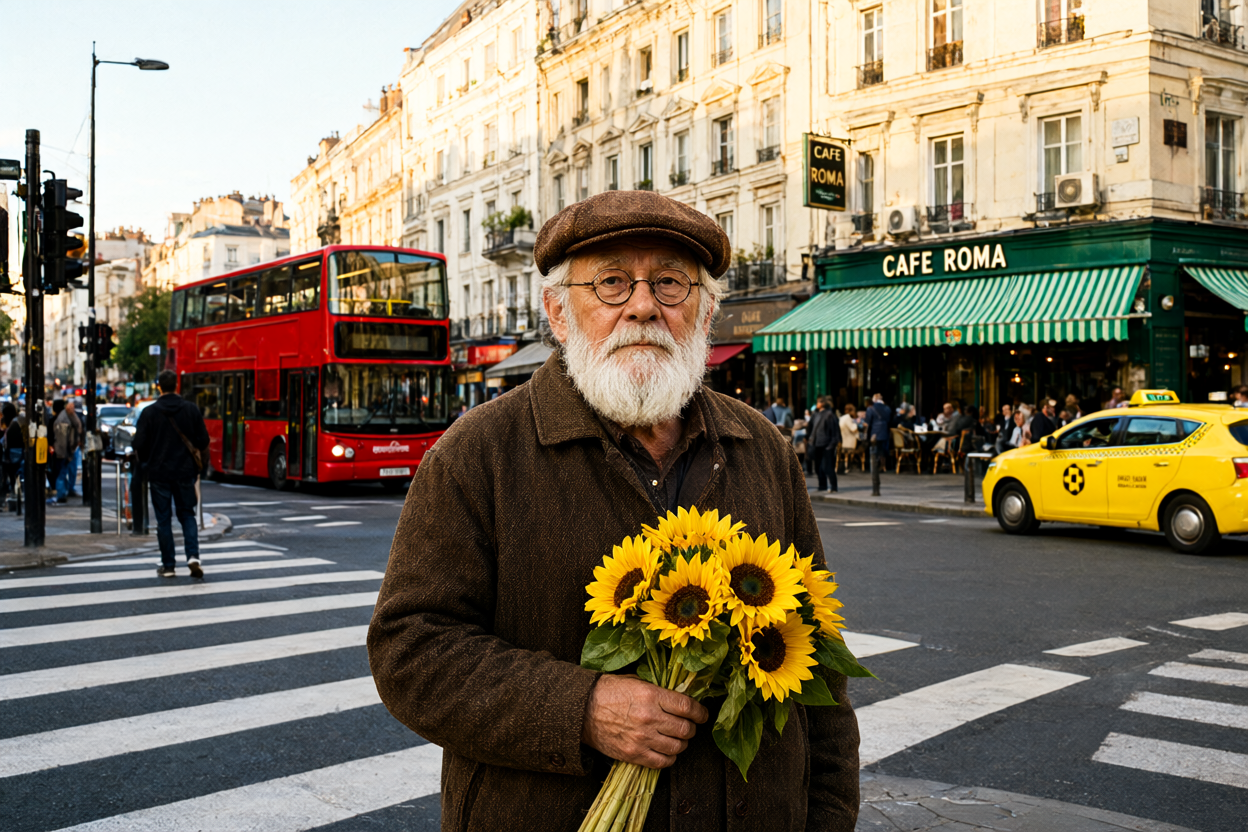
The crossroads photo redrawn at denoise 0.9: the bus is green, and the man and the street have changed too.

02

Image to image

Starts from a photo. Denoise sets how much of it changes.

Prompt

A wide candid street photograph of an old man with a white beard, round glasses and a brown flat cap waiting at a busy city crossroads, holding a bunch of yellow sunflowers. Behind him a green double-decker bus, a corner cafe with a green striped awning and a sign that says CAFE ROMA, a yellow taxi and people on the zebra crossing. Warm late-afternoon sun, 35mm film look.

Download JSON for Image to image
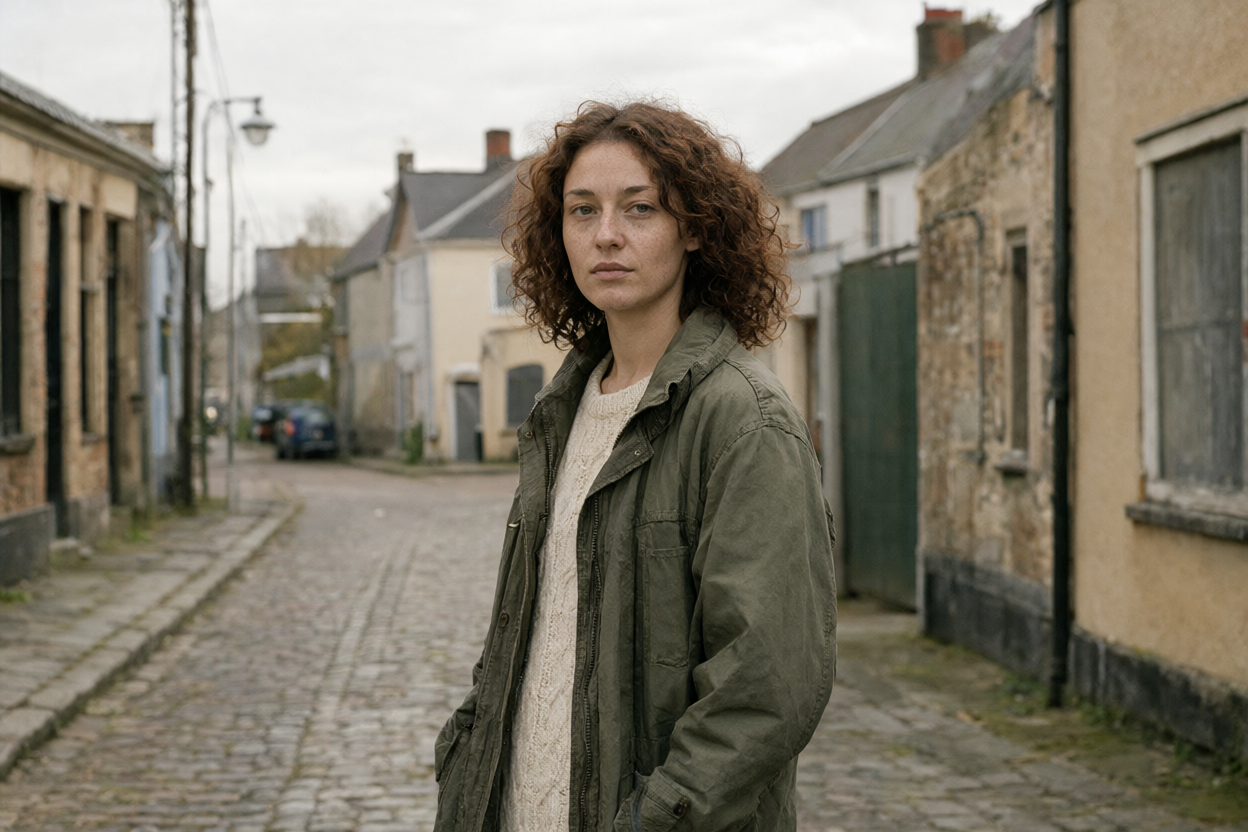
A character sheet of the same woman from the front, three-quarter, side and back.

04

Consistent characters

Puts the same person in a new scene, or turns her into a character sheet.

Prompt

Turn this photo into a character reference sheet showing front, three-quarter, side and back views on a simple background, waist up. Keep the same character, hair and outfit. No text or labels.

Café prompt

Put this woman in a cozy cafe, sitting by the window with a cup of coffee. Keep the same person, hair, and outfit.

Download JSON for Consistent characters
A close crop of the 4x upscaled character sheet: her face, freckles and hair in sharp detail.

05

Upscale

Makes the picture four times bigger and saves it.

Prompt

Turn this photo into a character reference sheet showing front, three-quarter, side and back views on a simple background, waist up. Keep the same character, hair and outfit. No text or labels.

Download JSON for Upscale
The woman with her green jacket replaced by a black leather biker jacket.

08

Inpainting

Changes only the part you mask.

Prompt

Replace the area marked white in image 2 with a black leather biker jacket. Keep everything else in image 1 exactly the same.

Right-click Load Image, Open in MaskEditor, paint over the jacket with the mask tool and save.

Download JSON for Inpainting
The same street with the woman removed and the cobbles filled in.

09

Remove objects

Removes whatever you paint over in green.

Prompt

Remove the object marked in green and fill the area naturally using the surrounding scene. Keep everything else the same.

In MaskEditor, paint over her with the brush in bright green at opacity 1, then save.

Download JSON for Remove objects
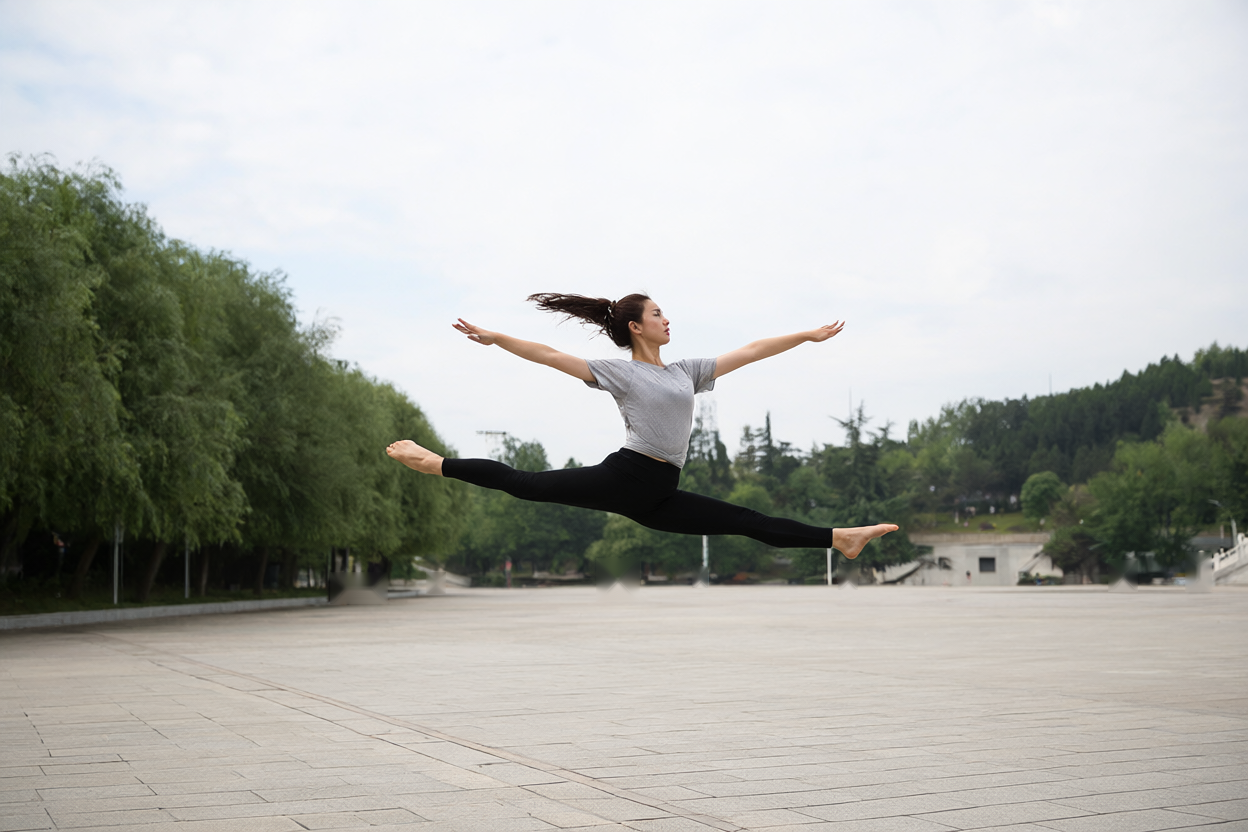
An astronaut leaping across the moon in the dancer's pose, with the Earth in the sky.

11

ControlNet: pose

Takes the pose from one photo for a new picture.

Prompt

A photograph of an astronaut in a white spacesuit leaping across the grey dusty surface of the moon, the blue Earth hanging in the black sky.

Download JSON for ControlNet: pose

Models

Put each file in its folder, then press R in ComfyUI.

Workflows 11 and 12 also need the ControlNet Aux custom nodes: in ComfyUI, click Extensions, search controlnet aux, install and restart.